--charcoal
#111715 Primary dark ground, page hero overlays, high-confidence contrast

Built from carpet, craft, and local trust. Use this page before adding new sections, service pages, forms, or AI-generated layouts.
Foundation
Advanced Carpets should feel like a team that handles fibres, equipment, water, rooms, and urgent restoration work every day. The visual system is quiet, tactile, and direct.
Use swatches for palette explanation and material references. Section dividers stay as a single solid orange rule.
Colour
Use the named CSS variables. The palette should feel like wool, equipment, water extraction, Central Otago landscape, and practical job-site signage.
#111715 Primary dark ground, page hero overlays, high-confidence contrast
#24211d Main reading text on light surfaces
#626159 Secondary copy, captions, and proof notes
#f4f0e7 Warm page background, chosen to feel like carpet backing rather than SaaS white
#fffdf8 Clean surface for cards, forms, review panels, and documentation blocks
#d8d2c7 Borders, dividers, field edges, and measurement guides
#d94f22 Primary action, job urgency, rating stars, and key material stripe
#147f9f Cleaning equipment accent, links, icons, and focus states
#748b62 Positive proof, local landscape, and secondary stripe accent
#b9aa94 Neutral carpet sample, quiet separators, and inactive material stripe
Typography
Display headings use Plus Jakarta Sans with a strong 900 weight and open line height so multi-line mobile headings can breathe. Body text uses Source Sans 3 for readable service detail and forms.
.hero h1 / .page-hero h1 Carpet cleaning, restoration, and practical property care
.section-heading h2 Built around real rooms, stains, fibres, and service areas
.service-card h3 Stain Treatment
.copy / section p Plain-language service copy should describe what the customer needs to know before getting in touch.
.overline / .system-label ENQUIRY WORKFLOW
Components
Components should make high-intent actions and service choices clear. Use lucide icons for service meaning, not emojis or decorative symbols.
.button .button-primary .button .button-dark .button .button-outline Hot water extraction steam cleaning and practical carpet care for homes, rentals, offices, and commercial spaces.
Professional pest control for common household and commercial pest issues across Central Otago and the Southern Lakes.
 Google Reviews
Use only with a verified count. Stars are always var(--clay).
★★★★★
Kevin did a fantastic job on our lounge carpet. Stains we thought were permanent came out completely. Would highly recommend to anyone in the area.
Compact service links
Before/after
Use this component for genuine matching before/after imagery only. It is a reusable site primitive, not a one-off page decoration.
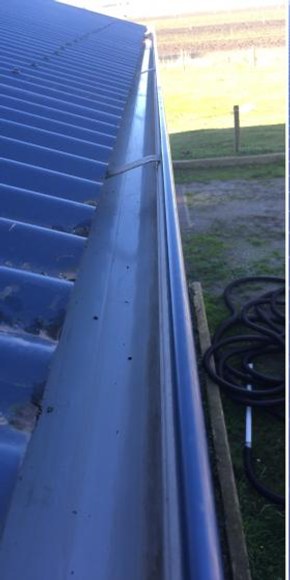
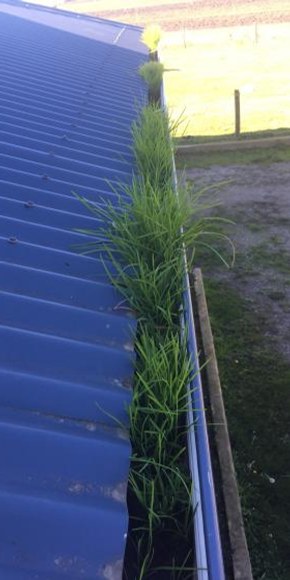 Before After
 Sections
Sections use full-width bands and a stable inner container. Transition rules are solid orange. Avoid floating wrapper cards around entire page sections.
Light section
Use wool or paper backgrounds with clear dividers and enough density to scan.
Dark section
Use charcoal for workmanship proof, real photos, and trust points.
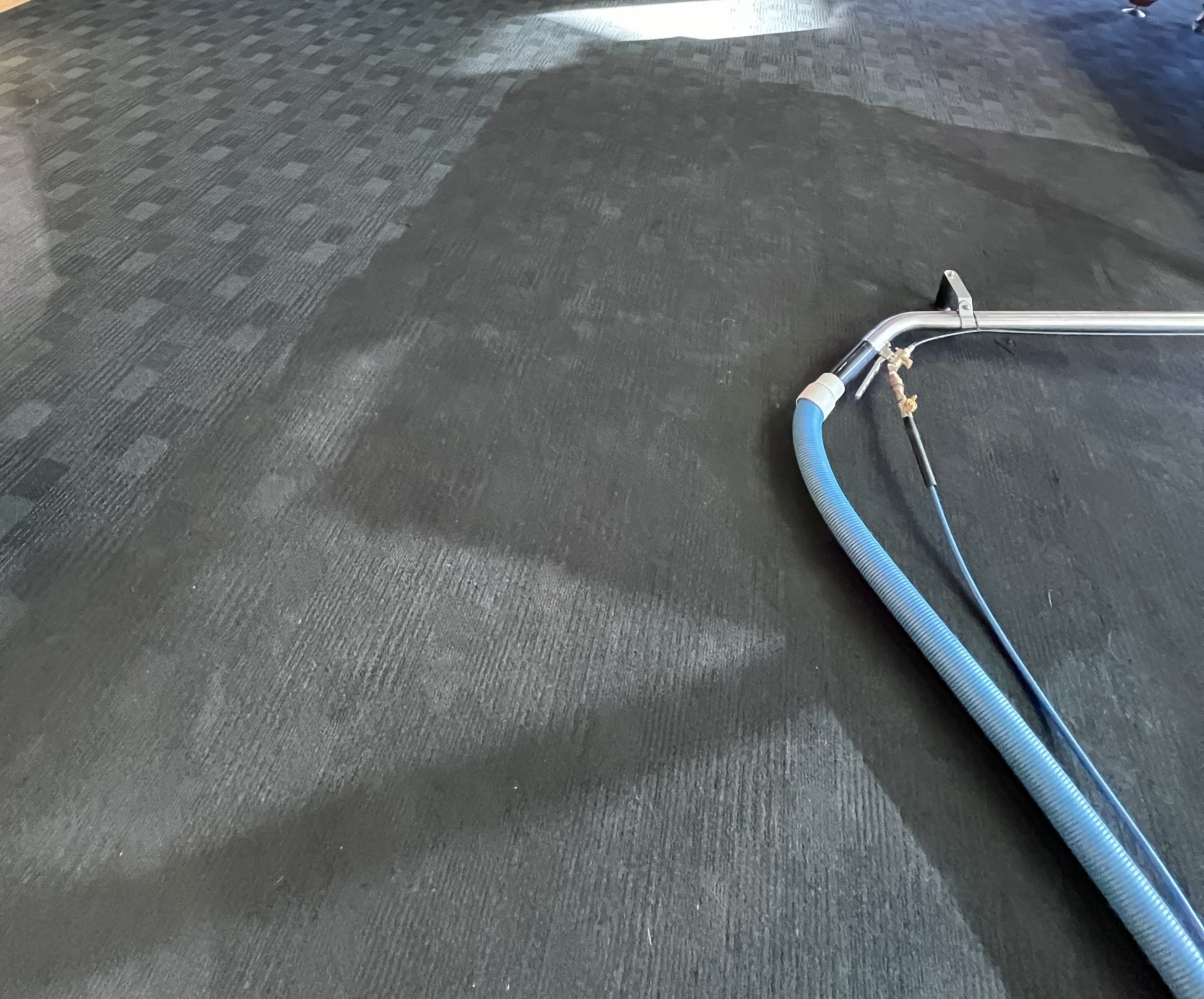
Use borders and grid lines as measurement cues, not decorative data widgets.
Show practical steps and honest limits before broad claims.
Prefer rooms and fibres over abstract icons when the user needs confidence.
Service pages
Service detail pages use one shared template. Keep layout changes in src/pages/services/[slug].astro, service copy in content/services/services.json, and styling in reusable service classes.
Use a real job photo with texture, equipment, room context, or finished detail.
Central Otago
Use balanced 50/50 media rows for service explanation. Add the reversed row further down the template when the page needs another image-led proof point.
Use this home-style CTA in the middle of service detail pages. Change the verb to match the service and link the button to the service enquiry form lower on the page.
★★★★★
Use one larger service-specific review when there is a strong quote. Keep it visually related to the home page reviews.
.cta-panel after the review section as the lighter enquiry prompt..service-media, .service-metrics, .service-review-card, and .service-cta-panel instead of one-off CSS.Forms
Forms should be short, labelled, keyboard-friendly, and consistent with Netlify form handling. Use photos to help explain the job, not as a required hurdle.
Enquiry details
Send the job address, contact details, service notes, and photos through our enquiry form.
FAQ
Use one shared FAQ item component everywhere. Keep the class names consistent so the animation, spacing, and editable fields stay in sync.
Cromwell, Alexandra, Queenstown, Wanaka, and the wider Central Otago and Southern Lakes region.
Most carpets are dry within a few hours under normal conditions. Good airflow helps speed this up.
Yes. Pet marks and odours can be assessed and treated with a targeted approach.
Motion
Motion should clarify interaction and hierarchy. No ambient loops, parallax tricks, or animated decoration unless it explains a real cleaning or enquiry workflow.
prefers-reduced-motion and disables transitions for motion-sensitive users.Rules
Use this before shipping any new section. If the design could be pasted onto an AI SaaS homepage, revise it.